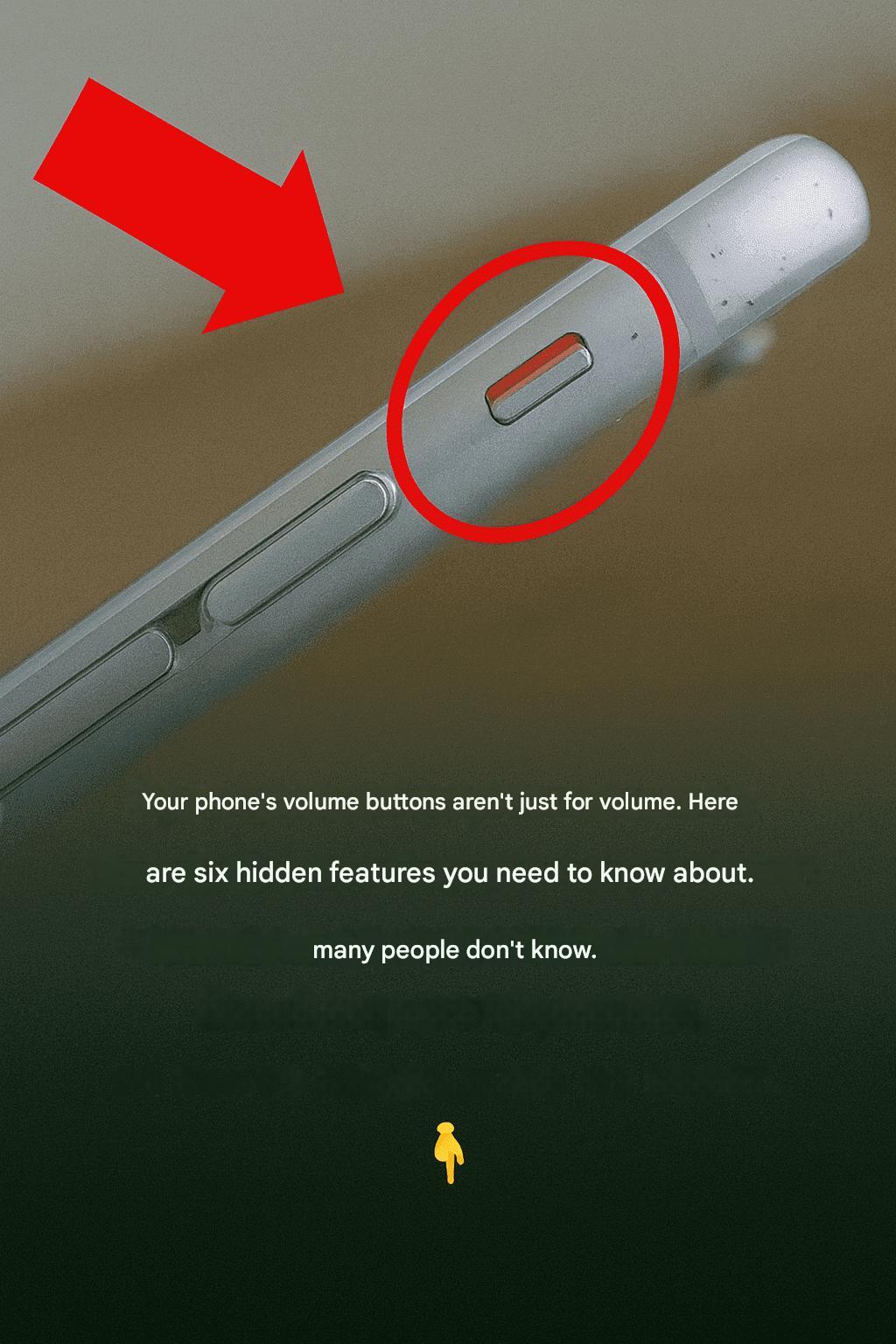
Most people use their phone’s volume buttons for one simple purpose: increasing or decreasing the sound. However, these small buttons can do much more than control volume. Depending on your smartphone model and operating system, they can activate several useful shortcuts that make everyday tasks faster and more convenient.
Many of these features are already built into your device, while others become available through specific apps or settings. Here are some of the most useful ways your phone’s volume buttons can help you every day.

1. Take Photos Without Touching the Screen
On most smartphones, the volume buttons can be used as a camera shutter.
Instead of tapping the screen, simply press either volume button to capture a photo.
This feature is especially useful for:
- Selfies
- Group photos
- One-handed photography
- Reducing camera shake
Using the physical button often provides a more stable grip, resulting in sharper pictures.
2. Start and Stop Video Recording
Many camera apps also allow the volume buttons to begin or stop recording videos.
Rather than searching for the on-screen record button, you can simply press a volume key.
This makes recording smoother, especially when filming with one hand.
3. Zoom While Taking Photos
Some smartphones allow the volume buttons to zoom in or out while using the camera.
This lets you adjust the framing without touching the display, helping you keep the phone steady while taking photos or recording videos.
Availability depends on your phone model and camera application.
4. Turn Pages While Reading eBooks
If you enjoy reading digital books, your volume buttons may act as page-turning controls.
Several reading apps support this feature, including:
- Kindle
- Google Play Books
- Apple Books
Instead of tapping the screen repeatedly, you can comfortably navigate through pages using the side buttons.
5. Scroll Through Menus
Some Android devices allow the volume buttons to scroll through menus, lists, or web pages using accessibility settings or specialized applications.
This can make navigation easier, especially for users who prefer physical controls.
6. Control Music Playback
Although they are mainly designed for volume adjustment, some devices and applications allow the volume buttons to help control media playback.
Depending on your phone, headphones, or music app, they may be used to:
- Pause or resume music
- Skip tracks
- Control podcast playback
- Adjust listening volume
This is especially convenient when the screen is locked.
7. Play Mobile Games
Some mobile games support the use of volume buttons as additional controls.
Depending on the game, they may perform actions such as:
- Jumping
- Accelerating
- Shooting
- Activating special abilities
Game support varies from one title to another.
8. Take a Screenshot
One of the most useful shortcuts is taking a screenshot.
On most Android smartphones, simply press:
Power Button + Volume Down
at the same time.
The screen will be captured instantly and saved to your gallery.
Some manufacturers use slightly different button combinations, but this shortcut works on most devices.
9. Activate Emergency Features
Many modern smartphones include emergency functions that can be activated by pressing the power or volume buttons in a specific sequence.
Depending on your device, these shortcuts may allow you to:
- Call emergency services.
- Send your location to trusted contacts.
- Trigger SOS mode.
Check your phone’s settings to see which emergency features are available.
10. Silence Incoming Calls
When your phone rings, pressing either volume button usually silences the ringtone without rejecting the call.
This is useful when you’re in:
- Meetings
- Classrooms
- Restaurants
- Libraries
The caller continues ringing, but your phone stops making noise.
11. Turn Off Alarms Quickly
On many phones, pressing a volume button can snooze or silence an alarm instead of searching for the on-screen controls.
The exact behavior depends on your phone’s alarm settings.
12. Use Accessibility Shortcuts
Android and iPhone both offer accessibility features that can be activated using hardware buttons.
Depending on your settings, the volume buttons may help control:
- Screen readers
- Magnification
- Hearing assistance
- Accessibility shortcuts
These features make smartphones easier to use for people with different needs.

The Bottom Line
The volume buttons on your smartphone are capable of much more than simply adjusting sound. From taking photos and recording videos to navigating books, controlling music, capturing screenshots, and accessing emergency features, these small buttons can save time and make everyday tasks more convenient.
The exact functions available depend on your phone model, operating system, and installed apps, so exploring your device’s settings may reveal even more useful shortcuts that you’ve never noticed before.